Environment Variables and Secrets: Managing Configuration Without Exposing Credentials
Environment Variables and Secrets: Managing Configuration Without Exposing Credentials
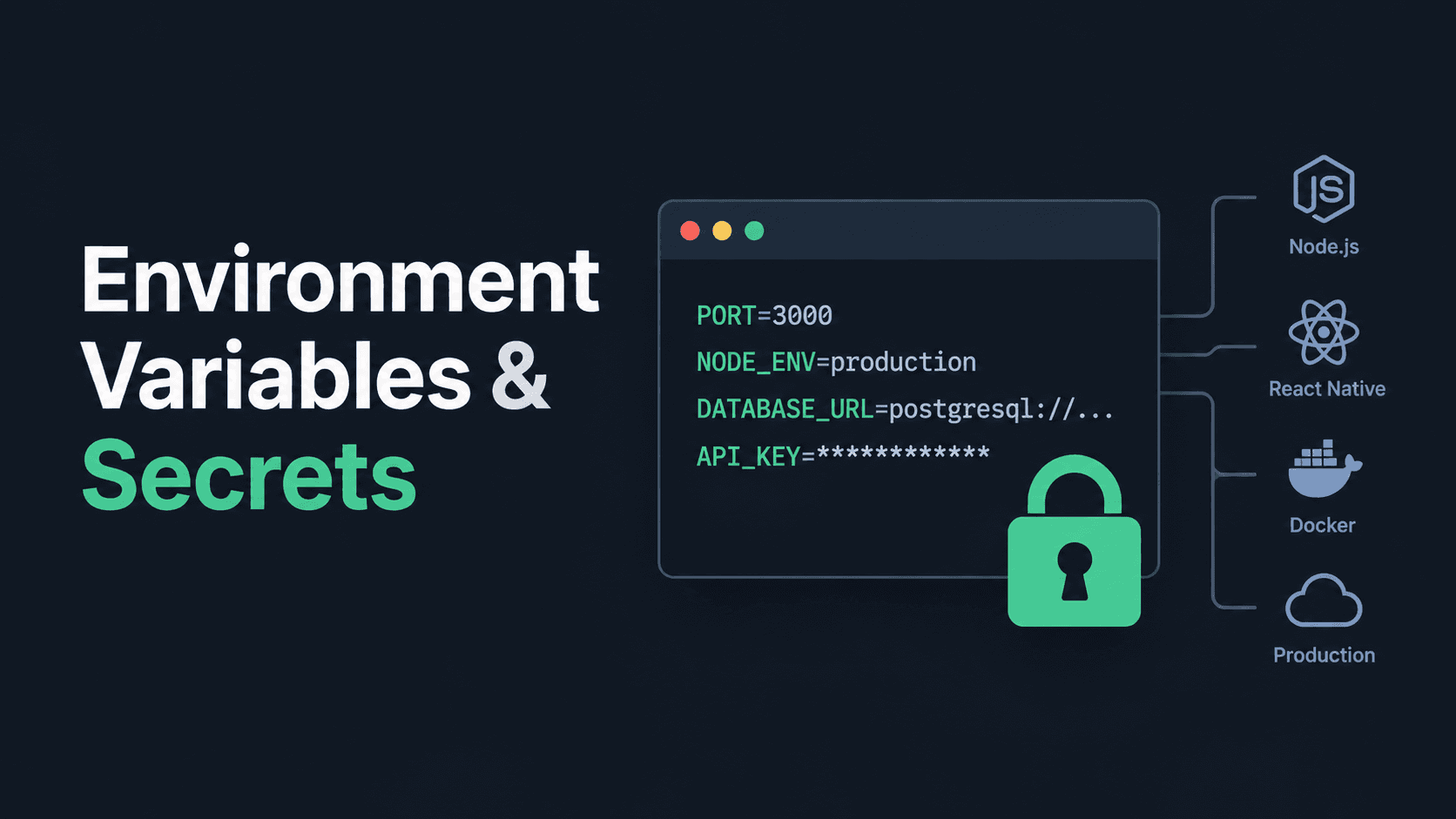
Applications need configuration: database URLs, API endpoints, authentication keys, feature flags, and service credentials.
Putting every value directly into source code makes applications harder to configure and increases the risk of exposing sensitive information.
Environment variables let you configure an application without hardcoding every value into its source code. Secrets require additional protection because they grant access to systems or data.
This guide covers local development, Node.js, React Native, Docker, production deployment, and CI/CD workflows.
1. Environment Variables vs. Secrets
An environment variable is a named value provided to a running process.
For example:
PORT=3000
NODE_ENV=development
DATABASE_URL=postgresql://localhost:5432/shop
Your application can read these values instead of hardcoding them.
A secret is sensitive information that must be protected from unauthorized access, such as:
- Database passwords
- Private API keys
- Access tokens
- Cloud provider credentials
- Private signing keys
- Payment provider secret keys
Not every environment variable is secret.
| Value | Usually secret? |
|---|---|
| Application port | No |
| Public API base URL | No |
| Log level | No |
| Database password | Yes |
| Server-side payment API key | Yes |
| JWT signing secret | Yes |
| Private cloud credentials | Yes |
The classification depends on what the value allows someone to access. A URL may be public, while credentials embedded in a database connection string are not.
2. Why Not Hardcode Configuration?
Consider this Node.js code:
const PORT = 3000;

const DATABASE_URL =
  "postgresql://admin:password123@localhost:5432/shop";
This creates several problems.
1. Configuration is tied to the source code. Changing the database or port requires changing the code.
2. Different environments become harder to manage. Development, testing, and production often need different values.
3. Credentials can leak. Anyone who obtains the source code may discover the password.
4. Deployment becomes less flexible. The same application should be deployable with different configuration without rewriting its source.
A better approach is to keep configuration outside the application code and provide the correct values for each environment.
3. Create a .env File
A .env file stores key-value pairs that a local development tool or runtime loads into environment variables.
Example project structure:
my-api/
├── src/
│   ├── app.js
│   └── server.js
├── .env
├── .env.example
├── .gitignore
└── package.json
Create .env in the project root:
PORT=3000
NODE_ENV=development
DATABASE_URL=postgresql://localhost:5432/shop
JWT_SECRET=replace_with_a_local_secret
These are example values. Use real credentials only in the appropriate local or managed secret store.
Important: A .env file does not protect secrets by itself
It is just a file containing text. If you commit it to a public repository, the values can be exposed.
Add it to .gitignore:
.env
.env.*
!.env.example
This pattern ignores .env and environment-specific variants while allowing .env.example to be tracked. If you use additional naming conventions, check that they are covered too.
If the file was already committed, adding it to .gitignore does not remove it from Git history.
4. Create a Safe .env.example
Developers joining a project need to know which variables are required, but they should not need your personal credentials.
Create a .env.example file:
PORT=3000
NODE_ENV=development
DATABASE_URL=
JWT_SECRET=
Commit this file to the repository.
It documents the required configuration without including actual secret values.
A teammate can create their own .env file and fill in the appropriate values.
Rule: Commit variable names and safe examples. Do not commit real passwords, tokens, or private keys.
5. Read Environment Variables in Node.js
Node.js exposes environment variables through process.env.
For example:
const port = process.env.PORT || 3000;

console.log(`Server configuration loaded for port ${port}`);
This reads PORT from the process environment and uses 3000 as a fallback.
Load a .env file
On modern Node.js versions, you can use the built-in --env-file option.
Run:
node --env-file=.env src/server.jsThe variables from .env become available through process.env.
For an application that uses an npm script, you can configure:
{
  "scripts": {
    "dev": "node --env-file=.env src/server.js"
  }
}
Then run:
npm run devAnother common option is the dotenv package.
Install it:
npm install dotenvLoad it before reading the configuration:
import "dotenv/config";

const port = process.env.PORT || 3000;
Use the loading method supported by your Node.js version and project setup. You do not need both methods for the same configuration.
Validate required variables
A missing variable should produce a clear startup error rather than a mysterious failure later.
function requireEnv(name) {
  const value = process.env[name];

  if (!value) {
    throw new Error(`Missing required environment variable: ${name}`);
  }

  return value;
}

const databaseUrl = requireEnv("DATABASE_URL");
const jwtSecret = requireEnv("JWT_SECRET");
const port = Number(process.env.PORT ?? 3000);
For production applications, also validate types and allowed values. For example, ensure that PORT is a valid port number.
Do not print the actual secret value when reporting a configuration error.
6. Separate Development, Testing, and Production
An application may use different databases and endpoints in different environments.
| Setting | Development | Production |
|---|---|---|
| API endpoint | Local or staging API | Production API |
| Database | Local development database | Managed production database |
| Logging | Detailed debugging | Controlled application logs |
| Credentials | Local development values | Managed production secrets |
| Debug mode | Enabled when appropriate | Usually disabled |
The application code should not contain a production password or assume that every deployment uses the same database.
Instead, provide the appropriate values when starting or deploying the application.
For example:
PORT=3000 NODE_ENV=development node src/server.jsOn systems where shell syntax differs, use the environment configuration mechanism appropriate to that platform.
Should you create .env.production?
You can use environment-specific files when your tooling supports them, but do not assume a production .env file is automatically secure.
For production deployments, a managed environment-variable or secrets mechanism is generally preferable to shipping a file containing credentials with your application.
7. Keep React Native Secrets Out of the App
Mobile applications require special attention because the application bundle is distributed to users.
Consider an Expo application:
EXPO_PUBLIC_API_URL=https://api.example.comRead the public API endpoint like this:
const apiUrl = process.env.EXPO_PUBLIC_API_URL;Expo replaces references to EXPO_PUBLIC_ variables with their values in the client bundle.
This is suitable for values intended to be public, such as an API base URL.
Never put a private API key, database password, JWT signing secret, or other server credential in EXPO_PUBLIC_ variables.
For example, this is unsafe:
EXPO_PUBLIC_PAYMENT_SECRET=your_private_key
EXPO_PUBLIC_DATABASE_PASSWORD=your_database_password
These values can be extracted from the application. Renaming the variable or moving it into a .env file does not make it secret.
How should a mobile app use a private API key?
Use this architecture:
Scroll to zoom · Drag to pan
The mobile app calls your backend. The backend authenticates and validates the request, applies the necessary business rules, and uses its private credential when communicating with the external service.
Do not rely on hiding a key in the mobile bundle as a security measure.
Some providers issue restricted public keys designed for client use. Use those only according to the provider's documented restrictions.
For Expo cloud builds, use the EAS environment-variable system to manage build configuration. Remember that any value embedded in the client bundle is still accessible to the user, regardless of its EAS visibility setting.
Official guide: https://docs.expo.dev/guides/environment-variables/
8. Use Environment Variables in Docker
Environment variables can configure an application running inside a Docker container.
For example, in Docker Compose:
services:
  api:
    build: .
    ports:
      - "3000:3000"
    environment:
      NODE_ENV: production
      PORT: "3000"
      DATABASE_URL: ${DATABASE_URL}
Docker Compose can substitute ${DATABASE_URL} using its environment and supported .env configuration.
This example demonstrates configuration, not a complete secret-management system.
Important: Values passed into a container's runtime environment may be accessible to users or processes with sufficient access to inspect the container or host. Limit who can inspect production containers and manage their configuration.
Avoid placing real production credentials directly into a committed Compose file.
Do not bake secrets into a Docker image
This is a bad pattern:
ENV DATABASE_PASSWORD="real-production-password"It can leave the credential in the image configuration or image layers.
Likewise, passing credentials through Docker build arguments is not a safe general-purpose secret-storage method.
For build-time secrets, Docker BuildKit supports secret mounts.
Example:
docker build \
  --secret id=npm_token,env=NPM_TOKEN \
  -t my-api .
Then consume the secret in a Dockerfile instruction:
# syntax=docker/dockerfile:1
FROM node:22-alpine AS build
WORKDIR /app
COPY package*.json ./
RUN \
NPM_TOKEN="$(cat /run/secrets/npm_token)" \
npm ciUse this pattern only when the build actually needs the credential, and ensure the package manager is configured to consume it securely. Do not write the token into image layers, logs, or generated files.
Build secrets are for the build process. They do not automatically configure secrets for the running application.
Official guide: https://docs.docker.com/build/building/secrets/
9. Manage Secrets in Production
A production deployment should not depend on a developer manually copying passwords into source code.
Use the secret-management facilities supported by your hosting platform.
Examples include:
- Cloud provider secret managers
- CI/CD secret stores
- Deployment platform environment settings
- Container orchestration secret facilities
- Dedicated secret-management tools
The exact mechanism depends on where the application runs.
Follow least privilege
A secret should grant only the access the application actually needs.
For example, a service that only reads product information should not use a database account with unrestricted permission to delete every table.
Prefer:
- Separate credentials for development and production.
- Separate identities for different services where practical.
- Limited database permissions.
- Restricted secret access for build and deployment jobs.
- Regular rotation where appropriate.
Environment variables make configuration convenient; they do not replace access control.
10. Use Secrets in GitHub Actions
A deployment workflow may need a cloud credential, package registry token, or deployment key.
GitHub Actions lets you store sensitive values as repository, environment, or organization secrets.
A simplified workflow might look like this:
name: Deploy

on:
  workflow_dispatch:

jobs:
  deploy:
    runs-on: ubuntu-latest
    environment: production

    steps:
      - name: Check out code
        uses: actions/checkout@v4

      - name: Deploy application
        env:
          DEPLOY_TOKEN: ${{ secrets.DEPLOY_TOKEN }}
        run: ./scripts/deploy.sh
Create DEPLOY_TOKEN in the appropriate GitHub Actions secrets settings before running this workflow. The example assumes the deployment script exists and knows how to use the token.
Do not print the token, pass it to untrusted scripts, or expose it to pull-request workflows that should not receive it.
For stronger protection, use environment approval rules, restricted permissions, and short-lived credentials where supported.
Official guide: https://docs.github.com/en/actions/concepts/security/secrets
11. What If You Accidentally Commit a Secret?
Adding the file to .gitignore is not enough if the secret has already been pushed.
Take these steps:
- Revoke or rotate the exposed credential immediately. Treat it as compromised.
- Check the affected service for unauthorized use.
- Update the credential in the legitimate secret store and redeploy if required.
- Remove the secret from the current source and clean up repository history if necessary.
- Review access permissions and add secret scanning or prevention controls where available.
History cleanup alone does not make a leaked credential safe. Other users, forks, caches, or copies may still contain the old value.
Rotate first; clean up the repository as a separate step.
12. Common Mistakes to Avoid
- Committing
.envfiles containing real credentials. - Assuming
.gitignoreremoves files already tracked by Git. - Putting server-side secrets in React Native or browser code.
- Logging environment variables while debugging.
- Using the same credential in development and production.
- Baking passwords into Docker images.
- Giving every service unrestricted database access.
- Treating an encrypted CI/CD secret as safe to expose in build logs.
- Forgetting to update a deployed service after rotating a credential.
- Assuming a public repository is the only place from which secrets can leak.
13. A Practical Project Checklist
Before deploying an application, verify the following:
- Required variables are documented in
.env.example. - Real local
.envfiles are excluded from Git. - Required configuration is validated at startup.
- Production credentials are stored in an appropriate secret store.
- Development and production use separate credentials.
- No private secrets are embedded in client-side bundles.
- Docker images do not contain build credentials.
- CI/CD jobs receive only the secrets they need.
- Sensitive values are not printed in logs.
- There is a process for rotating credentials after exposure.
Further Reading
- Node.js: Environment Variables
- Expo: Environment Variables
- Expo: Environment Variables in EAS
- Docker: Build Secrets
- GitHub Actions: Secrets
Conclusion
Environment variables separate application configuration from source code, while secret-management tools help control access to sensitive credentials.
A reliable setup is straightforward: keep configuration outside the code, commit only safe examples, never embed private credentials in client applications, and restrict production secrets to the services and workflows that need them.
These practices make applications easier to deploy across environments and reduce the risk of accidental credential exposure.