Offline-First React Native Apps: Local Storage, Synchronization, and Network Handling
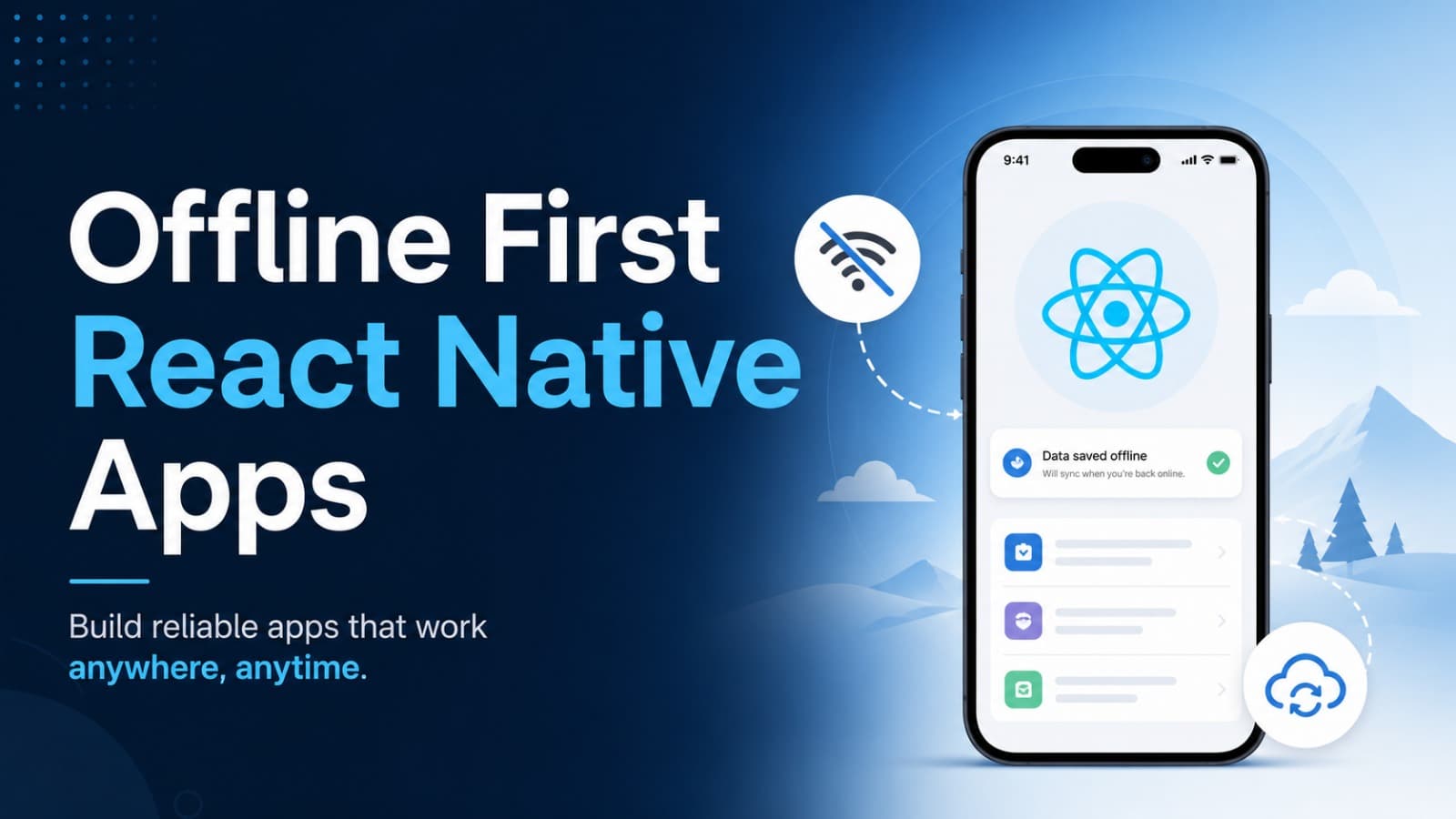
Offline-First React Native Apps: Local Storage, Synchronization, and Network Handling
Introduction
Imagine you are using a shopping application while travelling.
You open the app, browse products, add an item to your cart, and suddenly your internet connection disappears.
What should happen next?
A poorly designed application might show a network error and stop working.
A well-designed application can still allow you to:
- View previously loaded products.
- Access saved information.
- Add items to a local cart.
- Write notes or update supported data.
- Automatically synchronize changes when the internet returns.
This is the idea behind offline-first application development.
Instead of treating the network as something that is always available, an offline-first application treats local data as an important part of its architecture.
In this blog, we will understand how offline-first applications work and how to implement the basic architecture using React Native and TypeScript.
1. What Is Offline-First Architecture?
Offline-first architecture is an application design approach in which the application can continue performing supported operations without an active internet connection.
The application stores necessary data locally and synchronizes changes with the server when connectivity becomes available.
For example, consider a notes application.
A user creates a note while offline.
Instead of immediately sending the note to the server, the application:
- Saves the note locally.
- Marks it as pending synchronization.
- Allows the user to continue working.
- Uploads the note when the network becomes available.
- Updates its synchronization status.
The user does not need to wait for the server to save every change.
Traditional vs Offline-First Architecture
Traditional approach:
Scroll to zoom · Drag to pan
Offline-first approach:
Scroll to zoom · Drag to pan
The main difference is that the user experience does not depend entirely on the server being available.
2. Why Do Mobile Applications Need Offline Support?
Mobile applications operate in unpredictable network conditions.
Users may experience:
- Poor mobile network coverage.
- Temporary internet disconnections.
- Airplane mode.
- Slow connections.
- Server downtime.
- Network switching between Wi-Fi and mobile data.
Offline support improves the reliability of an application.
Real-World Examples
Google Maps
Previously loaded map areas can remain available offline when downloaded by the user.
Messages can be composed and queued while the device is disconnected, then sent when connectivity returns.
Note-taking applications
Users can create and edit notes without depending on a live server connection.
E-commerce applications
Previously fetched product information and locally managed cart data can remain available offline.
The amount of functionality available offline depends on the application and its synchronization design.
3. Understanding the Offline-First Architecture
A typical offline-first mobile application contains several components.
- React Native UI: Displays information and receives user actions.
- Local Database: Stores application data on the device.
- Repository Layer: Provides a consistent interface for reading and writing data.
- Sync Queue: Tracks changes that need to reach the server.
- Network Monitor: Detects connectivity changes.
- Backend API: Receives updates and provides server data.
Architecture Diagram
Scroll to zoom · Drag to pan
The UI reads from the local data source, while the synchronization layer keeps local and server data aligned.
This separation makes the application easier to maintain and test.
4. Choosing Local Storage in React Native
Local storage is one of the most important parts of an offline-first application.
Different storage solutions are suitable for different use cases.
AsyncStorage
AsyncStorage is a persistent key-value storage solution commonly used for small amounts of application data.
Install it:
npx expo install @react-native-async-storage/async-storageExample:
import AsyncStorage from "@react-native-async-storage/async-storage";

export async function saveUserPreferences() {
  await AsyncStorage.setItem(
    "theme",
    "dark"
  );
}

export async function getUserPreferences() {
  return AsyncStorage.getItem("theme");
}
Suitable for:
- Simple preferences.
- Small configuration values.
- Non-sensitive application settings.
AsyncStorage is not a relational database and is not ideal for large, complex datasets.
MMKV
MMKV is a fast key-value storage solution that works well for frequently accessed local application data.
Install the React Native MMKV package:
npm install react-native-mmkvFor Expo projects, ensure the native module is supported by your development build and rebuild the native application after installation.
Example:
import { createMMKV } from "react-native-mmkv";

export const storage = createMMKV();

storage.set("username", "Manjit");

const username = storage.getString("username");

console.log(username);
Suitable for:
- Application preferences.
- Small cached values.
- Feature flags.
- Local configuration.
SQLite
SQLite is a relational database that stores structured data locally on the device.
It is useful when an application needs:
- Multiple records.
- Relationships between data.
- Filtering and sorting.
- Transactions.
- More complex queries.
For Expo applications:
npx expo install expo-sqliteExample:
import * as SQLite from "expo-sqlite";

const db = await SQLite.openDatabaseAsync("app.db");

await db.execAsync(`
  CREATE TABLE IF NOT EXISTS notes (
    id TEXT PRIMARY KEY NOT NULL,
    title TEXT NOT NULL,
    content TEXT NOT NULL
  );
`);

await db.runAsync(
  "INSERT INTO notes (id, title, content) VALUES (?, ?, ?)",
  "note-1",
  "Offline Notes",
  "This note is saved locally."
);

const notes = await db.getAllAsync(
  "SELECT * FROM notes"
);
For applications with complex offline data requirements, a local database is generally more suitable than storing everything as individual key-value entries.
Which Storage Should You Choose?
| Storage | Best Use Case |
|---|---|
| AsyncStorage | Simple key-value data |
| MMKV | Fast key-value access |
| SQLite | Structured relational data |
| SecureStore | Small sensitive values such as tokens |
Remember: local storage is not automatically secure. Avoid storing passwords or sensitive information in ordinary key-value storage. Use appropriate encryption and platform-backed secure storage when required.
5. Detecting Network Connectivity
Before synchronizing pending changes, the application needs to understand the current network state.
In React Native, we can use NetInfo.
Install it:
npm install @react-native-community/netinfoFor Expo, check that your native development build includes the package.
Example:
import NetInfo from "@react-native-community/netinfo";

async function checkNetwork() {
  const state = await NetInfo.fetch();

  console.log("Connected:", state.isConnected);
  console.log("Internet reachable:", state.isInternetReachable);
}
We can also listen for network changes.
import NetInfo from "@react-native-community/netinfo";

const unsubscribe = NetInfo.addEventListener((state) => {
  const online =
    state.isConnected === true &&
    state.isInternetReachable !== false;

  if (online) {
    console.log("Network is available");
  } else {
    console.log("Network is unavailable");
  }
});

// Remove listener when no longer needed
unsubscribe();
Important: A connected Wi-Fi network does not guarantee that your backend is reachable. Network status is only a signal. API requests can still fail because of DNS issues, server downtime, authentication problems, or timeouts.
6. Building a Local-First Data Flow
Let's understand how a simple notes application can work offline.
When the user creates a note:
- Generate a unique ID.
- Save the note locally.
- Mark it as pending synchronization.
- Display it immediately.
- Synchronize it with the backend when possible.
A simple note type:
export type Note = {
  id: string;
  title: string;
  content: string;
  updatedAt: number;
  syncStatus: "pending" | "synced" | "failed";
};
For this example, assume we have a local database with a notes table.
We can create a repository:
import * as SQLite from "expo-sqlite";
import { randomUUID } from "expo-crypto";

const db = await SQLite.openDatabaseAsync("notes.db");

export async function createNote(
  title: string,
  content: string
) {
  const note = {
    id: randomUUID(),
    title,
    content,
    updatedAt: Date.now(),
    syncStatus: "pending",
  };

  await db.runAsync(
    `INSERT INTO notes
      (id, title, content, updatedAt, syncStatus)
     VALUES (?, ?, ?, ?, ?)`,
    note.id,
    note.title,
    note.content,
    note.updatedAt,
    note.syncStatus
  );

  return note;
}

export async function getNotes() {
  return db.getAllAsync(
    "SELECT * FROM notes ORDER BY updatedAt DESC"
  );
}
The important idea is that creating a note does not require an API request.
The local database is updated first.
The UI can then read the updated data immediately.
7. Understanding the Sync Queue
Saving data locally is only half the problem.
Eventually, local changes need to reach the backend.
This is why offline-first applications commonly use a sync queue.
A sync queue stores operations that have not yet been successfully synchronized.
For example:
Pending Operations

1. Create note: note-101
2. Update note: note-102
3. Delete note: note-103
When connectivity returns, the application processes these operations.
Sync Queue Architecture
Scroll to zoom · Drag to pan
Example Queue Item
type SyncOperation = {
  id: string;
  entityId: string;
  type: "CREATE" | "UPDATE" | "DELETE";
  payload: Record<string, unknown>;
  createdAt: number;
  attempts: number;
};
The queue should be stored persistently, not only in React state.
Otherwise, pending changes may disappear if the application closes or the device restarts.
Why Use an Operation ID?
Every queued operation should have a stable unique ID.
This helps the backend recognize duplicate requests and supports idempotent processing.
For example, a mobile application may send an operation, but the response may be lost because the connection disappears.
The application might retry the same operation.
Without duplicate protection, the server could create the same note or order twice.
A backend can use an idempotency key or operation ID to prevent this.
8. Implementing a Basic Sync Manager
A sync manager is responsible for processing pending operations.
The following is a simplified learning example. It assumes that getPendingOperations, markOperationSynced, and api are implemented by your application.
import NetInfo from "@react-native-community/netinfo";
import { api } from "./api";
import {
  getPendingOperations,
  markOperationSynced,
} from "./syncQueue";

export async function syncPendingOperations() {
  const network = await NetInfo.fetch();

  const online =
    network.isConnected === true &&
    network.isInternetReachable !== false;

  if (!online) {
    return;
  }

  const operations = await getPendingOperations();

  for (const operation of operations) {
    try {
      await api.post(
        "/sync",
        operation,
        {
          headers: {
            "Idempotency-Key": operation.id,
          },
        }
      );

      await markOperationSynced(operation.id);
    } catch (error) {
      console.error(
        "Sync failed for operation:",
        operation.id,
        error
      );

      // Keep the operation pending for a later retry.
    }
  }
}
A real implementation should also include:
- Retry limits.
- Exponential backoff.
- Operation ordering.
- Authentication refresh.
- Server-side idempotency.
- Permanent failure handling.
- Queue locking to prevent concurrent processing.
Do not remove a queue item merely because a request was attempted. Remove or mark it complete only after the server confirms successful processing.
9. Handling Data Conflicts
One of the hardest problems in offline-first architecture is conflict resolution.
Imagine this situation:
A user opens the same note on two devices.
- Device A is offline and changes the note title to "My Travel Plan".
- Device B is online and changes the same title to "My Holiday Plan".
- Both devices eventually synchronize.
Which version should the server keep?
This is called a data conflict.
Common Conflict Resolution Strategies
1. Last Write Wins
The application keeps the update with the latest timestamp.
This is simple, but device clocks may not always be accurate.
2. Server Wins
The server's version always takes priority.
Useful when the backend is the authoritative source.
3. Client Wins
The latest client update overwrites the server version.
This can be useful for specific user-owned data, but it may overwrite important changes.
4. Manual Conflict Resolution
The user is shown both versions and chooses which one to keep.
Useful when losing information would be unacceptable.
5. Version-Based Conflict Detection
The server maintains a version number for each record.
The client sends the version it originally read.
If the server version has changed, it can reject the update and ask the client to resolve the conflict.
For example:
{
  "id": "note-101",
  "title": "Updated Note",
  "version": 4
}
The server can compare the submitted version with the current version before accepting the update.
For collaborative applications, more advanced approaches such as Operational Transformation or Conflict-Free Replicated Data Types (CRDTs) may be appropriate.
There is no single conflict strategy that works for every application.
10. Handling Retries and Network Failures
Network failures are normal in mobile applications.
A request may fail because:
- The device loses connectivity.
- The server is temporarily unavailable.
- The request times out.
- A gateway returns a temporary error.
- The user changes networks during a request.
Instead of retrying continuously, use exponential backoff.
For example:
Attempt 1 → Wait 1 second
Attempt 2 → Wait 2 seconds
Attempt 3 → Wait 4 seconds
Attempt 4 → Wait 8 seconds
Attempt 5 → Wait 16 seconds
A simple implementation:
function getRetryDelay(attempt: number) {
  const baseDelay = 1000;
  const maxDelay = 30000;

  const exponentialDelay =
    baseDelay * Math.pow(2, attempt);

  const jitter = Math.random() * 500;

  return Math.min(
    exponentialDelay + jitter,
    maxDelay
  );
}
Jitter helps prevent many clients from retrying at exactly the same time.
In production, also distinguish temporary failures from permanent failures.
For example:
- Network timeout: usually retryable.
- HTTP 503: often retryable.
- HTTP 401: refresh authentication or ask the user to sign in.
- HTTP 400: usually requires correcting the request.
- Validation error: should not be retried without changing the data.
11. Background Synchronization
Users do not always keep an application open.
Sometimes, pending data needs to synchronize while the application is in the background.
In Expo applications, expo-background-task can be used for deferrable background work on supported platforms.
Install it:
npx expo install expo-background-task expo-task-managerBackground task execution is controlled by the operating system.
This means:
- Tasks may not run at the exact requested time.
- The operating system may delay or stop execution.
- Battery and network policies affect scheduling.
- Background execution is not guaranteed.
A background task is useful for best-effort synchronization, but it should not be the only mechanism.
A reliable application should also synchronize:
- When the application starts.
- When the user returns to the foreground.
- When connectivity becomes available.
- After a successful user action when appropriate.
For time-critical operations, do not assume a mobile background task will always execute.
12. Important Offline-First Best Practices
Before implementing offline support in a production mobile application, consider the following practices.
1. Use Local-First Reads
Display locally available data immediately instead of waiting for the server.
2. Keep a Persistent Sync Queue
Store pending operations in the local database.
3. Design Idempotent APIs
Ensure that retrying an operation does not accidentally create duplicate records.
4. Handle Conflicts Explicitly
Choose a conflict resolution strategy based on the type of data.
5. Use Exponential Backoff
Avoid repeatedly sending requests during network failures.
6. Track Synchronization Status
Show useful states such as:
- Saved locally
- Syncing
- Synced
- Failed to sync
7. Protect Sensitive Data
Use secure storage and encryption where appropriate.
8. Test Real Network Conditions
Test airplane mode, weak connectivity, network switching, server downtime, and application restarts.
9. Avoid Assuming Connectivity Means API Availability
A device can be connected to the internet while your backend is unavailable.
10. Define Data Ownership
Decide which data is controlled by the server and which changes can safely be made offline.
13. Practical Offline-First Checklist
Before releasing an offline-capable React Native application, verify the following:
- Important data is stored locally.
- The UI can display cached data.
- Supported user actions work offline.
- Pending operations are stored persistently.
- Network changes are monitored.
- Synchronization runs when appropriate.
- Failed operations can be retried safely.
- Duplicate requests are handled.
- Data conflicts have a defined strategy.
- Users can see synchronization status.
- Background work is treated as best-effort.
- Sensitive information is protected.
- Offline scenarios are tested.
Conclusion
Offline-first architecture makes mobile applications more reliable by reducing their dependency on continuous internet connectivity.
Instead of making every user action depend on an API request, the application stores data locally and synchronizes changes when possible.
Remember the core workflow:
Save Locally → Update UI → Queue Changes → Synchronize → Resolve Conflicts
For React Native developers, tools like SQLite, MMKV, NetInfo, Expo Background Task, and a well-designed backend API can provide a strong foundation for offline-first applications.
The goal is not simply to detect when the internet disappears.
The goal is to build an application that continues to provide a useful experience even when the network is unreliable.