State Management in React Native: Choosing the Right Tool
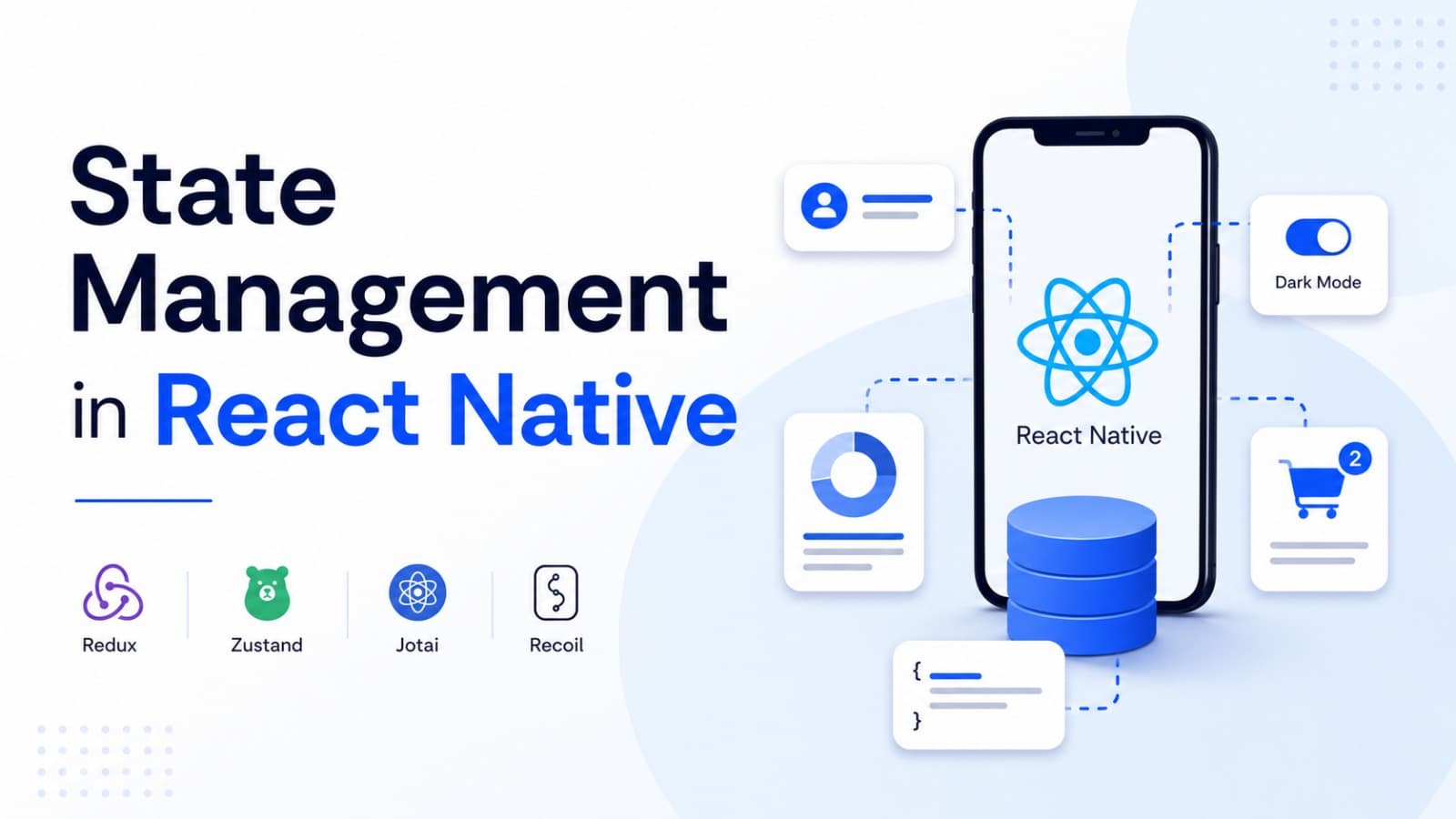
State Management in React Native: Choosing the Right Tool
Introduction
Imagine you are building a shopping application.
A user logs in, adds products to the cart, changes the app theme, and navigates between screens.
Now think about the data involved:
- User information needs to be available across multiple screens.
- Cart items need to stay consistent throughout the app.
- Theme preferences need to be shared.
- Product information comes from an API.
- A loading indicator should appear while a request is running.
Where should all this data live?
Should every screen maintain its own state?
Should you use Context API?
Should you install Redux Toolkit or Zustand?
This is the problem that state management solves.
In this blog, we will understand state management in React Native, explore popular tools, compare their use cases, and build practical examples using TypeScript.
1. What Is State?
State is data that an application remembers and uses to determine what appears on the screen or how the application behaves.
For example, consider a login screen.
const [email, setEmail] = useState("");
const [password, setPassword] = useState("");
const [isLoading, setIsLoading] = useState(false);
Here, email, password, and isLoading are states.
When these values change, React can re-render the component to reflect the updated information.
In simple words:
State is the information an application needs to remember while it is running.
Real-World Examples
| Application Feature | Example State |
|---|---|
| Login | Email, password, authentication status |
| Shopping | Cart items, selected quantity |
| Theme | Light or dark mode |
| Navigation | Current screen and navigation history |
| Search | Search query and filters |
| API | Products, loading status, errors |
| Notifications | Unread notification count |
Not every piece of state needs a global state management library.
Choosing where state belongs is more important than choosing a popular library.
2. Understanding Different Types of State
Before selecting a state management tool, understand the different categories of application state.
1. Local UI State
State used by a single component or a small part of the UI.
Examples:
- Modal visibility.
- Input values.
- Password visibility.
- Selected tab.
- Dropdown state.
2. Global Client State
State that multiple components or screens need to access.
Examples:
- Shopping cart.
- User preferences.
- Authentication UI state.
- Selected language.
- Application-wide filters.
3. Server State
Data that comes from an external server and needs to stay synchronized with it.
Examples:
- Product lists.
- User profiles.
- Orders.
- Notifications.
- Search results.
Server state has additional requirements:
- Fetching.
- Caching.
- Refetching.
- Loading and error handling.
- Cache invalidation.
- Synchronization with the backend.
4. Persistent State
State that should survive application restarts.
Examples:
- Theme preference.
- Onboarding completion.
- Locally saved cart.
- Draft content.
Persistent state requires storage such as MMKV, AsyncStorage, or SQLite.
Visual Overview
Scroll to zoom · Drag to pan
These categories can overlap. For example, a shopping cart can be global client state and also persistent state.
3. useState: Start With the Simplest Solution
React provides the useState hook for managing component-level state.
You do not need an external library for every state requirement.
Example:
import React, { useState } from "react";
import {
  View,
  Text,
  Button,
} from "react-native";

export function Counter() {
  const [count, setCount] = useState(0);

  return (
    <View>
      <Text>Count: {count}</Text>

      <Button
        title="Increase"
        onPress={() => setCount((previous) => previous + 1)}
      />
    </View>
  );
}
Whenever the button is pressed, the state changes and React updates the UI.
When Should You Use useState?
Use it when:
- State belongs to one component.
- Other screens do not need the value.
- The state is temporary.
- You do not need complex synchronization.
Examples include modal visibility, form inputs, and password visibility.
Rule: Do not introduce global state management for a problem that local state can solve.
4. Context API: Sharing State Across Components
Sometimes multiple components need the same information.
For example, an application theme may be required by:
- Home screen.
- Profile screen.
- Settings screen.
- Navigation components.
Passing props through multiple layers can become difficult.
This problem is called prop drilling.
Understanding Prop Drilling
Scroll to zoom · Drag to pan
If every component needs to pass the same data to its child, the code becomes harder to maintain.
React Context provides a way to share values across a component tree without manually passing props through every level.
Example: Theme Context
import React, {
  createContext,
  useContext,
  useState,
} from "react";

type Theme = "light" | "dark";

type ThemeContextType = {
  theme: Theme;
  toggleTheme: () => void;
};

const ThemeContext = createContext<
  ThemeContextType | undefined
>(undefined);

export function ThemeProvider({
  children,
}: {
  children: React.ReactNode;
}) {
  const [theme, setTheme] = useState<Theme>("light");

  const toggleTheme = () => {
    setTheme((previous) =>
      previous === "light" ? "dark" : "light"
    );
  };

  return (
    <ThemeContext.Provider
      value={{ theme, toggleTheme }}
    >
      {children}
    </ThemeContext.Provider>
  );
}

export function useTheme() {
  const context = useContext(ThemeContext);

  if (!context) {
    throw new Error(
      "useTheme must be used inside ThemeProvider"
    );
  }

  return context;
}
Use it inside a component:
import React from "react";
import {
  View,
  Text,
  Button,
} from "react-native";

import { useTheme } from "./ThemeContext";

export function SettingsScreen() {
  const { theme, toggleTheme } = useTheme();

  return (
    <View>
      <Text>Current theme: {theme}</Text>

      <Button
        title="Toggle Theme"
        onPress={toggleTheme}
      />
    </View>
  );
}
Wrap the application with the provider:
<ThemeProvider>
  <App />
</ThemeProvider>
When Should You Use Context API?
Good use cases include:
- Theme.
- Language preferences.
- Static application configuration.
- Small shared state.
Context is built into React, so no additional state library is required.
However, changing a context value can cause all consumers of that context to re-render.
For frequently changing, large, or complex state, a dedicated state management solution may be easier to scale.
5. Zustand: Simple and Lightweight Global State
Zustand is a lightweight state management library for React.
It allows developers to create a store and access the required state from different components.
It does not require wrapping the application in a provider for a basic store.
Install Zustand
npm install zustandCreate a Store
Imagine we are building a shopping application.
We want to manage the shopping cart globally.
// store/cartStore.ts

import { create } from "zustand";

type CartItem = {
  id: string;
  name: string;
  price: number;
  quantity: number;
};

type CartStore = {
  items: CartItem[];
  addItem: (item: CartItem) => void;
  removeItem: (id: string) => void;
  clearCart: () => void;
};

export const useCartStore = create<CartStore>(
  (set) => ({
    items: [],

    addItem: (item) =>
      set((state) => ({
        items: [...state.items, item],
      })),

    removeItem: (id) =>
      set((state) => ({
        items: state.items.filter(
          (item) => item.id !== id
        ),
      })),

    clearCart: () => set({ items: [] }),
  })
);
Use the Store in a Component
import React from "react";
import {
  View,
  Text,
  Button,
} from "react-native";

import { useCartStore } from "./store/cartStore";

export function CartScreen() {
  const items = useCartStore((state) => state.items);
  const clearCart = useCartStore(
    (state) => state.clearCart
  );

  return (
    <View>
      <Text>Cart Items: {items.length}</Text>

      <Button
        title="Clear Cart"
        onPress={clearCart}
      />
    </View>
  );
}
The component subscribes to the selected store state.
When the selected value changes, Zustand updates the component.
Why Developers Like Zustand
- Simple API.
- Minimal boilerplate.
- No provider required for basic stores.
- Selectors help subscribe to specific state.
- Supports middleware.
- Works well with TypeScript.
When Should You Use Zustand?
Good use cases include:
- Shopping carts.
- Application preferences.
- Selected filters.
- Multi-screen UI state.
- Lightweight global client state.
For many small and medium-sized applications, Zustand provides a practical balance between simplicity and flexibility.
6. Redux Toolkit: Structured State Management
Redux Toolkit (RTK) is the recommended approach for writing Redux logic.
It provides a structured way to manage application-wide state.
Redux is useful when the application has complex state transitions, shared business logic, or a team that benefits from standardized patterns.
Install Redux Toolkit
npm install @reduxjs/toolkit react-reduxCreate a Slice
A slice contains:
- Initial state.
- Reducers.
- Actions.
Example:
// store/cartSlice.ts

import { createSlice, PayloadAction } from "@reduxjs/toolkit";

type CartItem = {
  id: string;
  name: string;
  quantity: number;
};

type CartState = {
  items: CartItem[];
};

const initialState: CartState = {
  items: [],
};

const cartSlice = createSlice({
  name: "cart",
  initialState,

  reducers: {
    addItem: (state, action: PayloadAction<CartItem>) => {
      state.items.push(action.payload);
    },

    removeItem: (state, action: PayloadAction<string>) => {
      state.items = state.items.filter(
        (item) => item.id !== action.payload
      );
    },

    clearCart: (state) => {
      state.items = [];
    },
  },
});

export const {
  addItem,
  removeItem,
  clearCart,
} = cartSlice.actions;

export default cartSlice.reducer;
Redux Toolkit uses Immer internally, which allows this reducer syntax while preserving immutable state updates.
Configure the Store
// store/index.ts

import { configureStore } from "@reduxjs/toolkit";
import cartReducer from "./cartSlice";

export const store = configureStore({
  reducer: {
    cart: cartReducer,
  },
});

export type RootState = ReturnType<
  typeof store.getState
>;

export type AppDispatch = typeof store.dispatch;
Add the Provider
import React from "react";
import { Provider } from "react-redux";

import { store } from "./store";
import { App } from "./App";

export default function Root() {
  return (
    <Provider store={store}>
      <App />
    </Provider>
  );
}
Use Redux State
import React from "react";
import {
  View,
  Text,
  Button,
} from "react-native";

import { useDispatch, useSelector } from "react-redux";

import type {
  RootState,
  AppDispatch,
} from "./store";

import {
  addItem,
  clearCart,
} from "./store/cartSlice";

export function CartScreen() {
  const dispatch = useDispatch<AppDispatch>();

  const items = useSelector(
    (state: RootState) => state.cart.items
  );

  return (
    <View>
      <Text>Cart Items: {items.length}</Text>

      <Button
        title="Add Product"
        onPress={() =>
          dispatch(
            addItem({
              id: "product-1",
              name: "Wireless Headphones",
              quantity: 1,
            })
          )
        }
      />

      <Button
        title="Clear Cart"
        onPress={() => dispatch(clearCart())}
      />
    </View>
  );
}
When Should You Use Redux Toolkit?
Good use cases include:
- Large applications.
- Complex state transitions.
- Multiple features sharing business state.
- Standardized team development.
- Applications already using the Redux ecosystem.
Redux Toolkit introduces more structure and concepts than a simple Zustand store. That structure can be valuable when the application and team grow.
7. Server State: Why TanStack Query and RTK Query Are Different
One of the most common mistakes in application architecture is treating server data exactly like local UI state.
Consider a product listing screen.
The products come from an API.
You need to manage:
- Loading state.
- Error state.
- Cached results.
- Refetching.
- Pagination.
- Background updates.
- Cache invalidation.
You could store all these values manually in Zustand or Redux.
But this means you are rebuilding many features that specialized server-state libraries already provide.
What Is TanStack Query?
TanStack Query helps manage asynchronous server state.
It provides:
- Data fetching.
- Caching.
- Background refetching.
- Query invalidation.
- Pagination and infinite queries.
- Loading and error states.
Install it:
npm install @tanstack/react-queryExample: Fetch Products
import React from "react";
import {
  View,
  Text,
  FlatList,
} from "react-native";

import {
  useQuery,
} from "@tanstack/react-query";

type Product = {
  id: string;
  name: string;
};

async function fetchProducts(): Promise<Product[]> {
  const response = await fetch(
    "https://api.example.com/products"
  );

  if (!response.ok) {
    throw new Error("Failed to fetch products");
  }

  return response.json();
}

export function ProductsScreen() {
  const {
    data,
    isPending,
    isError,
  } = useQuery({
    queryKey: ["products"],
    queryFn: fetchProducts,
  });

  if (isPending) {
    return <Text>Loading products...</Text>;
  }

  if (isError) {
    return <Text>Unable to load products.</Text>;
  }

  return (
    <FlatList
      data={data}
      keyExtractor={(item) => item.id}
      renderItem={({ item }) => (
        <View>
          <Text>{item.name}</Text>
        </View>
      )}
    />
  );
}
Wrap the app in a QueryClientProvider:
import React from "react";
import {
  QueryClient,
  QueryClientProvider,
} from "@tanstack/react-query";

const queryClient = new QueryClient();

export function AppProviders({
  children,
}: {
  children: React.ReactNode;
}) {
  return (
    <QueryClientProvider client={queryClient}>
      {children}
    </QueryClientProvider>
  );
}
What Is RTK Query?
RTK Query is the data-fetching and caching solution included with Redux Toolkit.
It provides API caching, loading states, mutations, and cache invalidation while integrating with Redux.
You generally do not need both RTK Query and TanStack Query for the same API data in one application.
TanStack Query vs RTK Query
| Feature | TanStack Query | RTK Query |
|---|---|---|
| Ecosystem | Independent library | Redux Toolkit |
| Server-state caching | Yes | Yes |
| Mutations | Yes | Yes |
| Cache invalidation | Yes | Yes |
| Redux required | No | Yes |
| Best fit | Flexible server-state management | Redux-based applications |
Choose the tool that fits your existing architecture rather than adding both without a clear reason.
8. Zustand vs Redux Toolkit vs Context API
Now that we understand the main options, let's compare them.
| Feature | Context API | Zustand | Redux Toolkit |
|---|---|---|---|
| Built into React | Yes | No | No |
| Global state | Yes | Yes | Yes |
| Boilerplate | Low | Low | More structured |
| Provider required | Yes | No for basic stores | Yes |
| Middleware ecosystem | Limited | Yes | Extensive |
| Complex state logic | Possible | Possible | Strong structured support |
| Best use case | Simple shared values | Lightweight global state | Complex application state |
Which One Should You Choose?
Choose useState when:
The state belongs to one component.
Choose Context API when:
You need to share relatively simple values across a component tree.
Choose Zustand when:
You want lightweight global client state with a simple API.
Choose Redux Toolkit when:
Your application needs a structured, predictable state management architecture.
Choose TanStack Query or RTK Query when:
You need to manage data fetched from a server.
There is no universal winner. The correct choice depends on your application's complexity and requirements.
9. A Practical State Management Architecture
Let's design a simple architecture for a React Native e-commerce application.
We can divide responsibilities instead of putting every value into one global store.
Scroll to zoom · Drag to pan
A possible folder structure:
src/
├── components/
├── screens/
├── hooks/
├── services/
│   └── api.ts
├── stores/
│   ├── cartStore.ts
│   └── authStore.ts
├── queries/
│   ├── productQueries.ts
│   └── orderQueries.ts
├── storage/
│   └── storage.ts
├── navigation/
└── types/
Example responsibilities:
| Requirement | Suggested Solution |
|---|---|
| Modal visibility | useState |
| Selected tab | useState |
| Shopping cart | Zustand |
| Theme preference | Context or Zustand |
| Product API data | TanStack Query |
| Order API data | TanStack Query |
| Small persistent preferences | MMKV |
| Authentication token | SecureStore |
This is only one possible architecture. A Redux Toolkit application could use Redux for global client state and RTK Query for server state instead.
10. Persisting Global State
Global state normally exists in memory.
When the user closes the application, that state may disappear.
For example, imagine a shopping application where the user adds five products to the cart and then closes the app.
Should the cart become empty when the application restarts?
Usually, no.
This is where persistence becomes useful.
Zustand Persistence Example
Zustand supports persistence middleware.
For React Native, you can connect it to a storage solution such as MMKV through a compatible storage adapter.
Install:
npm install zustand react-native-mmkvExample:
import { create } from "zustand";
import {
  createJSONStorage,
  persist,
} from "zustand/middleware";

import { createMMKV } from "react-native-mmkv";

const mmkv = createMMKV();

const zustandStorage = {
  setItem: (name: string, value: string) => {
    mmkv.set(name, value);
  },

  getItem: (name: string) => {
    return mmkv.getString(name) ?? null;
  },

  removeItem: (name: string) => {
    mmkv.remove(name);
  },
};

type CartStore = {
  items: string[];
  addItem: (id: string) => void;
};

export const useCartStore = create<CartStore>()(
  persist(
    (set) => ({
      items: [],

      addItem: (id) =>
        set((state) => ({
          items: [...state.items, id],
        })),
    }),
    {
      name: "cart-storage",
      storage: createJSONStorage(
        () => zustandStorage
      ),
    }
  )
);
The persistence middleware saves the store and restores it when the application starts.
For production applications, also consider:
- Storage migrations.
- Persisting only necessary fields.
- Clearing user-specific data on logout.
- Avoiding sensitive information in ordinary storage.
- Handling hydration before showing dependent UI.
Persistence is not the same as server synchronization. A locally persisted cart still needs a defined strategy if it must synchronize across multiple devices.
11. Common State Management Mistakes
1. Putting Everything in a Global Store
Not every input field or modal needs global state.
Keep local state local.
2. Mixing Server State and Client State
API data has caching, refetching, and synchronization requirements.
Use a dedicated server-state solution when appropriate.
3. Creating Too Many Stores
Splitting stores by feature can be useful, but excessive fragmentation can make data dependencies difficult to understand.
Organize state around clear responsibilities.
4. Duplicating the Same Data
Avoid keeping multiple independent copies of the same server data in Zustand, Redux, and component state.
This can lead to inconsistent UI.
5. Persisting Everything
Persist only what the application actually needs after a restart.
Large or sensitive state should not be stored without a clear reason.
6. Ignoring Loading and Error States
A good application handles more than successful API responses.
Always design for loading, empty, error, and retry states.
7. Choosing a Library Just Because It Is Popular
A small application may work perfectly with useState and Context.
A complex application may benefit from Redux Toolkit or Zustand.
Choose based on requirements, not trends.
12. Practical Decision Checklist
Before selecting a state management solution, ask:
- Is this state used by only one component?
- Does it need to be shared across screens?
- Does the data come from a backend?
- Does it need caching and background refetching?
- Should it survive an application restart?
- Does it contain sensitive information?
- Does the application need complex state transitions?
- Is the solution easy for the team to maintain?
These questions help you choose the correct tool without adding unnecessary complexity.
Conclusion
State management is an important part of building scalable React Native applications.
The goal is not to use as many state management libraries as possible.
The goal is to put each type of state in the right place.
Remember:
- useState: Local component state.
- Context API: Simple shared state.
- Zustand: Lightweight global client state.
- Redux Toolkit: Structured application-wide state.
- TanStack Query / RTK Query: Server state and API caching.
- MMKV / AsyncStorage / SQLite: Persistent local data.
A well-designed application often uses a combination of these tools.
Start simple, understand your application's data flow, and introduce additional architecture only when it solves a real problem.