Designing a Node.js REST API That Can Grow
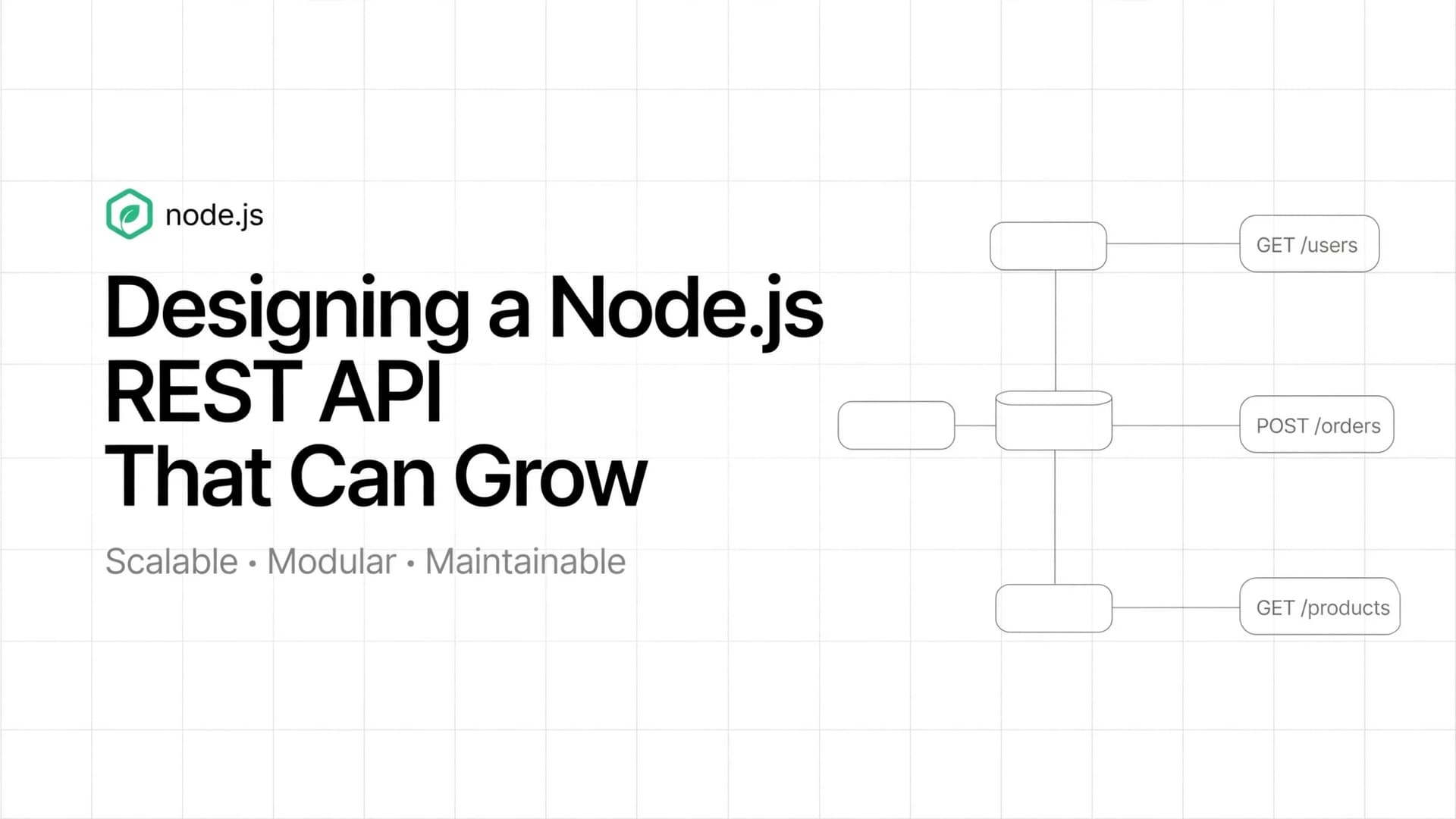
Designing a Node.js REST API That Can Grow
A REST API may start with just two or three endpoints. But as an application grows, it can become difficult to maintain if routes, business logic, database queries, and error handling are all mixed together.
A maintainable API is not about creating the most folders or using the most tools. It is about separating responsibilities so that the application remains understandable as requirements change.
In this guide, we will explore how to structure a Node.js REST API using Express, validate incoming requests, handle errors consistently, and prepare the application for future growth.
1. What Makes a REST API Maintainable?
Consider an API endpoint that returns a list of products.
A simple implementation might look like this:
app.get("/products", async (req, res) => {
  const products = await db.product.findMany();
  res.json(products);
});
This can work for a small project. However, as the endpoint grows, you may need authentication, filtering, pagination, validation, logging, and error handling.
If everything remains inside one route handler, the code becomes harder to test and modify.
A better approach is to separate the application into clear responsibilities:
- Routes: Define the available endpoints.
- Controllers: Handle HTTP requests and responses.
- Services: Contain business logic.
- Repositories: Handle database operations when a separate data-access layer is useful.
- Middleware: Handle shared tasks such as authentication and error processing.
The goal is not to add layers unnecessarily. It is to make each part easier to understand and maintain.
2. A Practical Folder Structure
For a medium-sized Node.js API, you can begin with the following structure:
my-api/
├── src/
│   ├── routes/
│   │   └── product.routes.js
│   ├── controllers/
│   │   └── product.controller.js
│   ├── services/
│   │   └── product.service.js
│   ├── repositories/
│   │   └── product.repository.js
│   ├── middleware/
│   │   ├── error-handler.js
│   │   └── not-found.js
│   ├── validators/
│   │   └── product.validator.js
│   ├── utils/
│   │   └── AppError.js
│   ├── app.js
│   └── server.js
├── tests/
├── .env
├── .gitignore
├── package.json
└── README.md
Here is what each part does:
| File or folder | Responsibility |
|---|---|
routes/ | Maps HTTP methods and URLs to controllers |
controllers/ | Reads request data and sends responses |
services/ | Applies business rules |
repositories/ | Reads and writes database records |
middleware/ | Handles reusable request-processing logic |
validators/ | Checks whether incoming data is valid |
utils/ | Contains reusable helpers and error classes |
app.js | Configures Express and middleware |
server.js | Starts the HTTP server |
tests/ | Contains automated tests |
You do not need every folder on day one. Start with the structure your application needs and introduce additional layers when they provide a real benefit.
3. Understand the Request Flow
A request should pass through the relevant layers in a predictable order.
Client
  |
  v
Express Route
  |
  v
Validation Middleware
  |
  v
Controller
  |
  v
Service
  |
  v
Repository
  |
  v
Database
The response travels back to the client through the HTTP response mechanism.
For example, when a client requests GET /products/42:
- The route matches the URL and HTTP method.
- Middleware checks authentication or validates parameters when required.
- The controller reads the product ID.
- The service applies any relevant business rules.
- The repository retrieves the product from the database.
- The controller returns the appropriate HTTP response.
This separation makes it easier to change database logic without rewriting the entire route.
4. Keep Routes Small
Routes should describe which controller handles an endpoint.
// src/routes/product.routes.js

import { Router } from "express";
import {
  getProducts,
  getProductById,
} from "../controllers/product.controller.js";

const router = Router();

router.get("/", getProducts);
router.get("/:id", getProductById);

export default router;
The route file does not need to know how products are stored or how business rules work.
Mount it in the application:
// src/app.js

import express from "express";
import productRoutes from "./routes/product.routes.js";
import { notFound } from "./middleware/not-found.js";
import { errorHandler } from "./middleware/error-handler.js";

const app = express();

app.use(express.json());

app.use("/api/v1/products", productRoutes);

app.use(notFound);
app.use(errorHandler);

export default app;
This gives you endpoints such as:
GET /api/v1/productsGET /api/v1/products/42
The /api/v1 prefix also provides a place to introduce a new API version if breaking changes become necessary.
5. Keep Controllers Focused on HTTP
A controller should coordinate the request and response rather than contain every business rule.
// src/controllers/product.controller.js

import * as productService from "../services/product.service.js";

export async function getProducts(req, res) {
  const products = await productService.listProducts();

  res.status(200).json({
    success: true,
    data: products,
  });
}

export async function getProductById(req, res) {
  const product = await productService.findProduct(
    req.params.id
  );

  res.status(200).json({
    success: true,
    data: product,
  });
}
These examples assume Express 5, which automatically forwards rejected promises from async route handlers to error-handling middleware.
With Express 4, use an async error wrapper or explicitly forward errors with next(error).
Notice that the controller does not directly contain database queries. It asks the service to perform the required operation.
6. Put Business Logic in Services
Services contain rules that describe how the application should behave.
For example, a product service might check whether a product exists before returning it.
// src/services/product.service.js

import * as productRepository from "../repositories/product.repository.js";
import { AppError } from "../utils/AppError.js";

export async function listProducts() {
  return productRepository.findAll();
}

export async function findProduct(id) {
  const product = await productRepository.findById(id);

  if (!product) {
    throw new AppError("Product not found", 404);
  }

  return product;
}
The service can also handle rules such as:
- Preventing an order for an unavailable product.
- Checking whether a user can update a resource.
- Calculating a final price.
- Enforcing business-specific limits.
Keep business rules out of route definitions so they can be reused by other controllers, jobs, or application workflows.
7. Separate Database Operations When Useful
A repository provides a dedicated place for database queries.
// src/repositories/product.repository.js

import { prisma } from "../database/prisma.js";

export function findAll() {
  return prisma.product.findMany();
}

export function findById(id) {
  return prisma.product.findUnique({
    where: { id },
  });
}
This example assumes that the application uses Prisma and has a configured database client. The model and field names must match your actual schema.
A repository is especially useful when database operations are reused or when you want to keep persistence details out of business logic.
For a small CRUD application, adding a repository layer may not be necessary. The important thing is to avoid complexity that does not solve a real problem.
8. Validate Incoming Data
Never assume that data sent by a client is valid.
A request may contain a missing field, an invalid ID, an unexpected value, or data with the wrong type.
You can use a validation library such as Zod.
Install it:
npm install zodDefine a schema:
// src/validators/product.validator.js

import { z } from "zod";

export const productQuerySchema = z.object({
  page: z.coerce.number().int().min(1).default(1),
  limit: z.coerce.number().int().min(1).max(100).default(10),
});
Use the schema before querying the database:
const result = productQuerySchema.safeParse(req.query);

if (!result.success) {
  return res.status(400).json({
    success: false,
    message: "Invalid query parameters",
  });
}

const { page, limit } = result.data;
In a real application, move this logic into reusable validation middleware rather than repeating it in every controller.
Validation should happen at the API boundary. Database constraints should still protect important data rules.
9. Handle Errors Consistently
Without centralized error handling, different endpoints may return different error formats.
Create a reusable application error:
// src/utils/AppError.js

export class AppError extends Error {
  constructor(message, statusCode = 500) {
    super(message);

    this.statusCode = statusCode;
    this.isOperational = true;
  }
}
Create a not-found middleware:
// src/middleware/not-found.js

import { AppError } from "../utils/AppError.js";

export function notFound(req, res, next) {
  next(new AppError("Route not found", 404));
}
Then create a centralized error handler:
// src/middleware/error-handler.js

export function errorHandler(err, req, res, next) {
  if (res.headersSent) {
    return next(err);
  }

  const statusCode = err.statusCode || 500;

  if (statusCode >= 500) {
    console.error(err);
  }

  res.status(statusCode).json({
    success: false,
    message:
      statusCode >= 500
        ? "Internal server error"
        : err.message,
  });
}
The handler should be registered after routes and not-found middleware.
In production, do not expose stack traces, database details, secrets, or internal error messages to clients. Log diagnostic details securely on the server.
10. Follow REST API Conventions
Consistent endpoint design makes an API easier to understand.
| Method | Endpoint | Purpose |
|---|---|---|
GET | /api/v1/products | List products |
GET | /api/v1/products/:id | Retrieve one product |
POST | /api/v1/products | Create a product |
PATCH | /api/v1/products/:id | Partially update a product |
DELETE | /api/v1/products/:id | Delete a product |
Use nouns for resource names and HTTP methods to describe the operation.
Choose status codes that communicate the outcome:
200 OK— The request succeeded.201 Created— A resource was created.204 No Content— The request succeeded without a response body.400 Bad Request— The request contains invalid input.401 Unauthorized— Authentication is required or invalid.403 Forbidden— The client lacks permission.404 Not Found— The resource does not exist.409 Conflict— The request conflicts with the current resource state.500 Internal Server Error— An unexpected server error occurred.
Do not return 200 OK for every situation. Correct status codes help clients handle failures predictably.
11. Add Pagination to Collection Endpoints
Returning thousands of records in one response can increase database load, memory usage, and response time.
Pagination limits the amount of data returned per request.
For a page-based API, calculate the offset as:
const skip = (page - 1) * limit;Then use the values in your database query:
const products = await prisma.product.findMany({
  skip,
  take: limit,
  orderBy: { id: "asc" },
});
This example assumes Prisma and a suitable ordering field.
A response might look like this:
{
  "success": true,
  "data": [],
  "pagination": {
    "page": 1,
    "limit": 10
  }
}
For very large or frequently changing datasets, cursor-based pagination can be more efficient and stable than offset pagination.
Always define a maximum page size to prevent clients from requesting an unreasonable amount of data.
12. Think About Security Early
A maintainable API also needs sensible security controls.
Important practices include:
- Validate and normalize incoming data.
- Use parameterized queries or a safe ORM to reduce SQL injection risks.
- Authenticate users where necessary.
- Enforce authorization for individual resources and actions.
- Store secrets in environment variables or a secret manager.
- Apply rate limits to sensitive or expensive endpoints.
- Configure CORS for the origins that actually need access.
- Use HTTPS in production.
- Avoid logging passwords, access tokens, or sensitive personal data.
- Keep dependencies updated and review security advisories.
Authentication answers, "Who are you?" Authorization answers, "What are you allowed to do?"
A valid login does not automatically grant access to every resource.
13. Test the API Before Adding More Features
Automated tests help you detect regressions when the code changes.
At a minimum, test:
- Successful requests.
- Invalid request data.
- Missing resources.
- Unauthorized access.
- Unexpected database or service failures.
You can use tools such as Vitest or Jest for tests, alongside Supertest for HTTP endpoint testing.
For example, a test for GET /api/v1/products/999 might verify that a missing product returns 404 Not Found, assuming that product ID does not exist.
Keep business logic testable without requiring every test to start a real server or connect to a production database.
14. Avoid Overengineering
A common mistake is creating a complex architecture before the application needs it.
You may not need:
- Separate microservices for every feature.
- A repository layer for every trivial query.
- Multiple abstractions around a simple function.
- A message queue for work that does not need asynchronous processing.
- A complicated dependency injection framework for a small API.
Start with clear route, controller, and service responsibilities. Add repositories, queues, caching, and other infrastructure when there is a measurable requirement.
Good architecture makes change easier. It should not make simple work unnecessarily difficult.
15. A Practical Checklist
Before considering an API feature complete, check the following:
- Routes are easy to locate.
- Controllers focus on HTTP handling.
- Business rules are separated where useful.
- Incoming data is validated.
- Errors use a consistent response format.
- HTTP methods and status codes are appropriate.
- Collection endpoints have sensible limits.
- Authentication and authorization are applied where needed.
- Important paths have automated tests.
- Secrets and sensitive data are handled safely.
- The implementation is no more complex than necessary.
Conclusion
A scalable Node.js REST API begins with clear responsibilities, not a large number of folders or technologies.
Keep routes focused, controllers responsible for HTTP, services responsible for business rules, and database operations organized where separation provides value. Add validation, consistent error handling, security, pagination, and testing as the application evolves.
You do not need to build a perfect architecture from day one. Build something understandable, test it, and improve it when real requirements appear.
Remember: Good API architecture is not about predicting every future requirement. It is about making the next change easier without making today's code unnecessarily complicated.